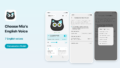
The Mia app (version 1.23.0) has a new setting: Mia stays silent while you have an event on Google Calendar.
If Mia starts talking in the middle of a work-from-home meeting or an online call, this setting mutes her automatically for the length of the event.
Requirement
Mia must be linked to your Google Calendar first. You can do that with the "Google Calendar Integration" switch on the same screen.
Supported models
| Model | Supported |
|---|---|
| Standard Model | Yes |
| Conversation Model | Yes |
What does it do?
During the time of an event on your Google Calendar, Mia makes no sound. When the event ends, she goes back to normal on her own.
You don't have to mute and unmute Mia by hand for every meeting.
Events that don't mute Mia
These events are ignored:
- All-day events
- Events shown as "Free"
- Events you declined
If all-day events counted, Mia would be silent all day long. Things like birthdays or holiday notes are fine as they are.
How to set it up
1. Open "Calendar Integration"
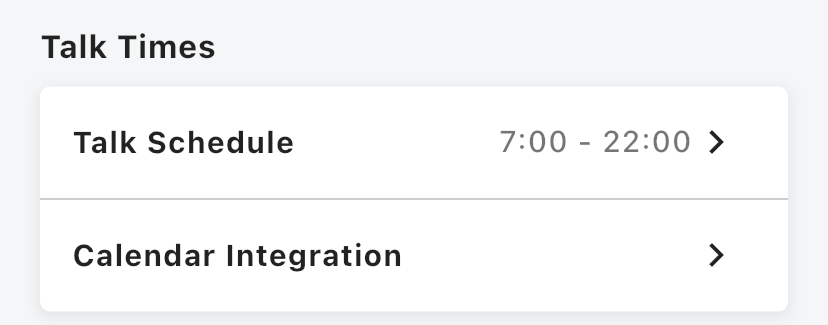
Scroll down the Home screen and tap "Calendar Integration" in the "Talk Times" section.
2. Turn on "Google Calendar Integration"
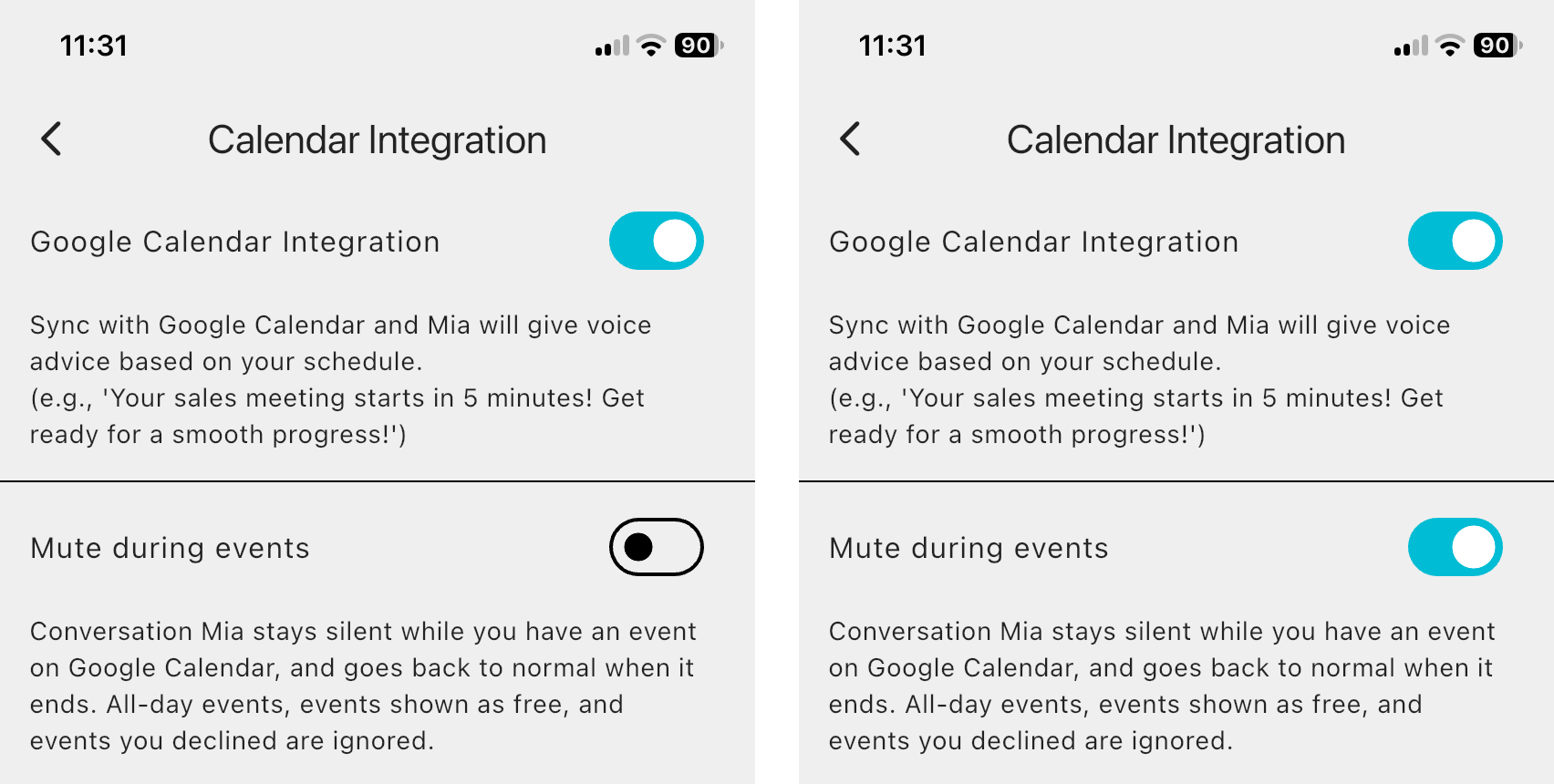
If Mia isn't linked yet, first turn on "Google Calendar Integration" and approve access in your Google account. Until you link your calendar, the "Mute during events" switch can't be used.
3. Turn on "Mute during events"
Once your calendar is linked, switch on "Mute during events". The description on the screen also lists the events that are ignored.
When is it useful?
- You work from home and have online meetings or classes
- You make a lot of calls or video calls and don't want Mia's voice to come through
- You want Mia quiet during a nap or a lesson, so you put it on your calendar
Just put the call on your calendar, and Mia keeps quiet for you.
With the Conversation Model
The Conversation Model lets you talk to Mia by touching her head, outside your events. A short chat with Mia between meetings can be a nice break.
🐱 Conversation Model details and purchase
Mia (Black) Conversation Model / Mia (White) Conversation Model
FAQ
How is this different from the Mute button on the Home screen?
The Mute button on the Home screen (the speaker icon) stays on until you switch it off. "Mute during events" silences Mia only during the time of your calendar events.
What if I muted Mia myself?
If you muted Mia yourself, she stays muted after the event ends. The event only adds a mute for its own time.
Mia isn't talking even when I have no event
Something else may be the cause. Check that the Mute button is not turned on. You can also read the mute function article.
Summary
- Mia stays silent only while an event is on your Google Calendar
- All-day events, events shown as "Free" and declined events are ignored
- Turn on Google Calendar Integration, then switch on "Mute during events" in the app
If you have any questions, please contact us from "Help & Contact" in the app.
👀 You may also like:
👉 2026 Guide: AI Pet Robots for Elderly Loneliness – A Comparison of 10 Companion Robots
👉 2026 Edition: 9 Recommended Pet Robots Under $150 – Cheap, Cute, and Healing Models
👉 Monthly and Maintenance Costs of Pet Robots: Moflin, LOVOT, Mia, and More
👉 Mia – Your Chatty AI Cat Companion Robot with 100+ Expressions