November 2026 | Page 23 | Mia
🎉ミーア会話モデルがリリースされました!詳細はこちら→

2026-11

How to & Features

Mia’s Conversation Mode: How It Works and How to Use It

Mia, the AI cat robot, now talks back. Learn what you need (the Conversation Model and the $2/month Premium plan), how to start a chat by tapping her head, the 3-minute auto-timeout, and how it differs from the Standard Model.
How to & Features

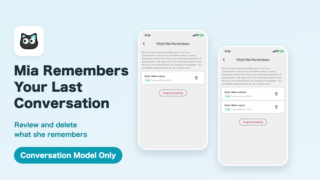
[Conversation Model Only] Mia Now Remembers Your Last Conversation: How to Use “What Mia Remembers”

In Conversation Mode, Mia remembers family names, plans, favorites and things that happened, and brings them up naturally next time. Since app 1.25.0 she also asks how a past plan went. See what she remembers, what she never remembers, and how to review and delete memories.
How to & Features

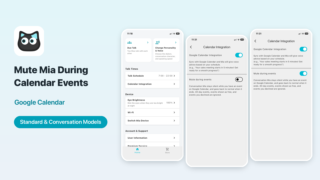
[Standard & Conversation Models] Mute Mia Automatically While You Have a Google Calendar Event

Mia app 1.23.0 adds a setting that keeps Mia silent while you have an event on Google Calendar. See which events count, how to turn it on, and how it differs from Mute.
How to & Features

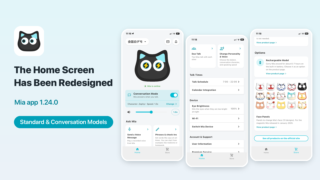
[All Models] The Mia App Home Screen Has Been Redesigned: Everything in One Place

Mia app 1.24.0 redesigns the Home screen: the tabs are now Home and Store. See how to mute Mia, where each setting moved, and where Logout and Withdraw are.
How to & Features

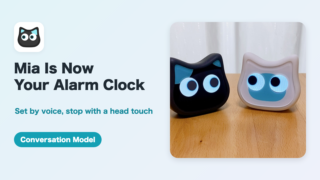
[Conversation Model Only] Use Mia as an Alarm Clock: Set It by Voice, Stop It With a Head Touch

With Mia app 1.25.0, the Conversation Model can be used as an alarm. Say "Wake me at 7" or "Set an alarm in 30 minutes", and touch Mia's head to stop it. See repeat options, the five sounds, ring length and things to know.
How to & Features

How to initialize the Mia device

If your Mia cat robot stops talking or its eyes don’t move, and restarting doesn’t help, try initializing the device. You’ll need a Phillips screwdriver to open the unit and follow steps to enter Safe Mode. Easy-to-follow for beginners.
How to & Features

Free Repair Policy

1. If the product malfunctions during the warranty period while being used in accordance with the instructions in the in...
How to & Features

[New feature] A mute function has been added.

The mute function has now been added to Mia.What is the mute function?This feature allows Mia to stop talking even durin...
How to & Features

FAQ (Frequently Asked Questions)

FAQ (Frequently Asked Questions)What do I need to use Mia?You need an adapter or a PC compatible with a USB Type-C cable...
How to & Features

[For Purchasers] Frequently Asked Questions

Find answers to the most frequently asked questions for Mia purchasers, including troubleshooting Wi-Fi connection issues, app settings, device operation, and tips to ensure your Mia cat companion works smoothly in your home.
Copied title and URL