New feature | Mia
🎉ミーア会話モデルがリリースされました!詳細はこちら→

New feature

How to & Features

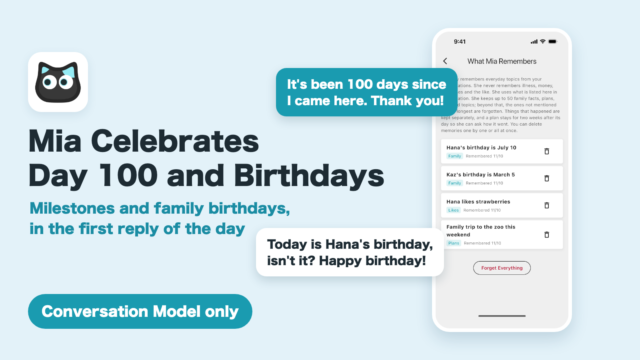
[Conversation Model Only] Mia Now Celebrates Day 100 at Your Home and Family Birthdays

In Conversation Mode, Mia now celebrates milestones like her 7th, 100th day and 1st year at your home, plus family birthdays she remembers, in the first conversation of the day.
How to & Features

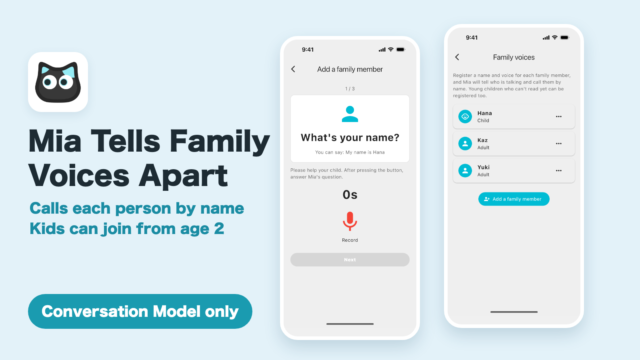
[Conversation Model Only] Mia Now Tells Family Members Apart by Voice and Calls Each by Name: How to Use “Family voices”

Since Mia app 1.26.0, register each family member's voice and Mia recognizes who is talking in Conversation Mode and calls them by name. Up to 5 people, children from about age 2.
How to & Features

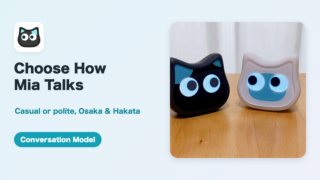
[Conversation Model Only] Choose How Mia Talks: Casual or Polite, Osaka and Hakata Dialects, and a Personality for White or Black Mia

Mia app 1.25.0 lets you choose Mia's speaking style in Conversation Mode (soft and polite, or casual like a friend), have her answer in Osaka or Hakata dialect, and set her color so white or black Mia talks with her own personality.
How to & Features

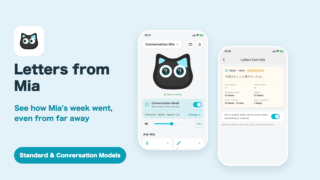
[Standard & Conversation Models] Mia’s Weekly Letter: See How Mia’s Week Went, Even From Far Away

Every Sunday at 6 PM, Mia sends your family a short letter about her week: the days she was petted, the family messages she listened to, and how much she chatted. What was said never reaches you. Learn how to read the letter, turn notifications on or off, and what the "something's different" alerts mean.
How to & Features

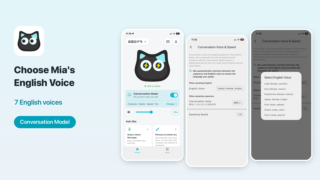
[Conversation Model] Choose Mia’s English Voice From 7 Options, Separate From the Japanese Voice

Mia app 1.24.0 lets you choose Mia's English voice in Conversation Mode from 7 voices. English and Japanese voices are set separately, and Mia switches as you speak.
How to & Features

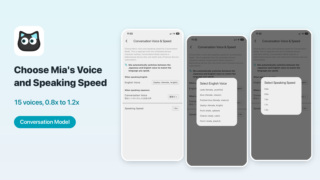
[Conversation Model Only] Choose Mia’s Conversation Voice From 15 Characters and Change Her Speaking Speed

Mia app 1.22.0 lets you choose Mia's Conversation Mode voice from 15 characters, with previews, and set her speaking speed from 0.8x to 1.2x. See where to set it.
How to & Features

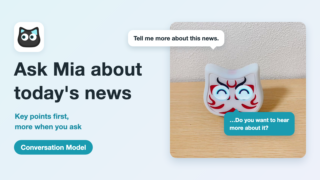
[Conversation Model] Ask Mia About the Latest News: Key Points First, and More When You Say “Tell Me More”

Ask Mia in Conversation Mode for today's news and she looks it up online and gives you the key points. Say "tell me more" and she goes on, then asks if you want to hear more. Explanations come in a few sentences, everyday questions in one, and a long story stops when you touch her head. With videos of real conversations in English.
How to & Features

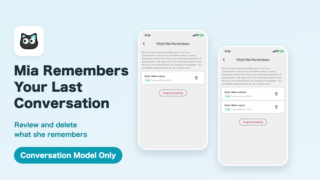
[Conversation Model Only] Mia Now Remembers Your Last Conversation: How to Use “What Mia Remembers”

In Conversation Mode, Mia remembers family names, plans, favorites and things that happened, and brings them up naturally next time. Since app 1.25.0 she also asks how a past plan went. See what she remembers, what she never remembers, and how to review and delete memories.
How to & Features

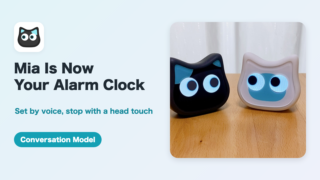
[Conversation Model Only] Use Mia as an Alarm Clock: Set It by Voice, Stop It With a Head Touch

With Mia app 1.25.0, the Conversation Model can be used as an alarm. Say "Wake me at 7" or "Set an alarm in 30 minutes", and touch Mia's head to stop it. See repeat options, the five sounds, ring length and things to know.
Copied title and URL