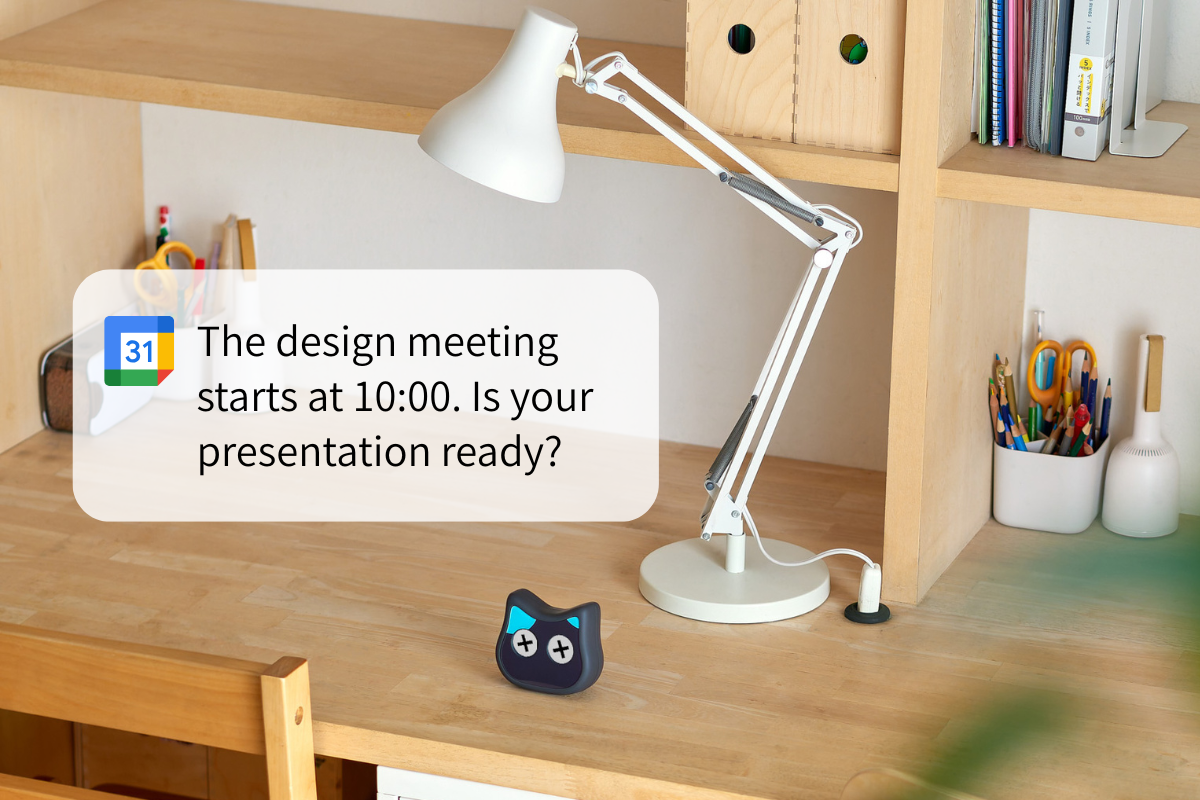
Some robots are useful because they talk.
Mia becomes more interesting when that voice is connected to daily schedules. If a robot can speak up before a meeting, a hospital visit, or a family appointment, it becomes more than a novelty. It starts to feel like part of the household rhythm.
This article explains what a Google Calendar-connected robot can do, how Mia’s schedule voice prompts are used, and why this is different from a wake-up alarm device.
What Is a Google Calendar-Connected Robot?
A Google Calendar-connected robot is a robot that reads scheduled events from Google Calendar and uses voice prompts to tell the user about them.
The value is not just that the robot sends a notification. The value is that the robot says the reminder out loud in a way that feels more natural than a phone alert.
That makes it easier to use in everyday life:
- for work meetings
- for hospital visits
- for family plans
- for trash day reminders
- for medication timing
What Mia Can Do With Google Calendar
Mia’s schedule reminder feature is described in Mia’s official and support materials. The simple version is this: if you set an event in the app, Mia can speak up about 5 minutes before the event starts.
For example, if you have a work meeting, Mia can say:
“Your design meeting starts in 5 minutes. Please get ready.”
That is more useful than a silent calendar entry for people who want a gentle spoken cue instead of a standard notification sound.
The same idea works in other situations too:
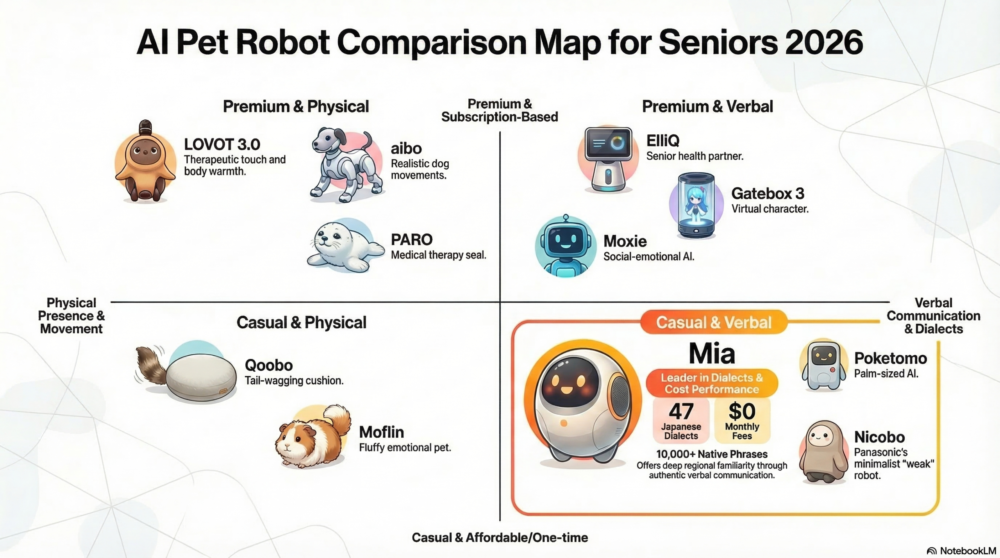
- For a solo worker: “Your design meeting starts in 5 minutes. Please get ready.”
- For an older adult: “You have a hospital visit at 2:00 PM today.”
- For family sharing: “There is a family outing tomorrow.”
The key point is that the schedule is not only shown. It is spoken.
Why This Feels Useful
It Turns a Notification Into a Voice Cue
Phone alerts are easy to miss. A robot speaking from the room is harder to ignore, and it feels less formal.
It Fits Older Adults Better
When a family member adds hospital visits, checkups, or other plans to Google Calendar, Mia can read them back as a simple spoken cue. That can be easier than opening an app every time.
It Helps With Living Alone
For people living alone, a small spoken reminder can create a better sense of time and routine.
It is not about replacing people. It is about giving the day a clearer structure.

What Mia Might Say
Here are a few simple examples of the kind of spoken prompt readers can imagine:
- Work schedule: “Your design meeting starts in 5 minutes. Please get ready.”
- Medical schedule: “You have a hospital visit at 2:00 PM today.”
- Family schedule: “You have a family appointment this afternoon.”
- Daily errand: “It is time to take out the trash.”
For older adults, a slightly more direct reading can also work:
- “You have a hospital visit at 2:00 PM today.”
- “You have a home nurse visit at 11:00 AM.”
The exact wording depends on how the app and reminder settings are configured, but the important part is that Mia can speak the event in a plain, understandable way.
How This Differs From a Wake-Up Alarm
This is the point that is easiest to mix up.
A wake-up alarm device is mainly for getting up in the morning. A Google Calendar-connected robot is for daily schedule prompts throughout the day.
That is why the use case is different:
- Wake-up alarm device: best for morning routines
- Google Calendar robot: best for meetings, appointments, and household reminders
In other words, one is centered on waking up, while the other is centered on schedule awareness.
Related Pages
If you want to understand Mia in a broader context, these pages are useful:
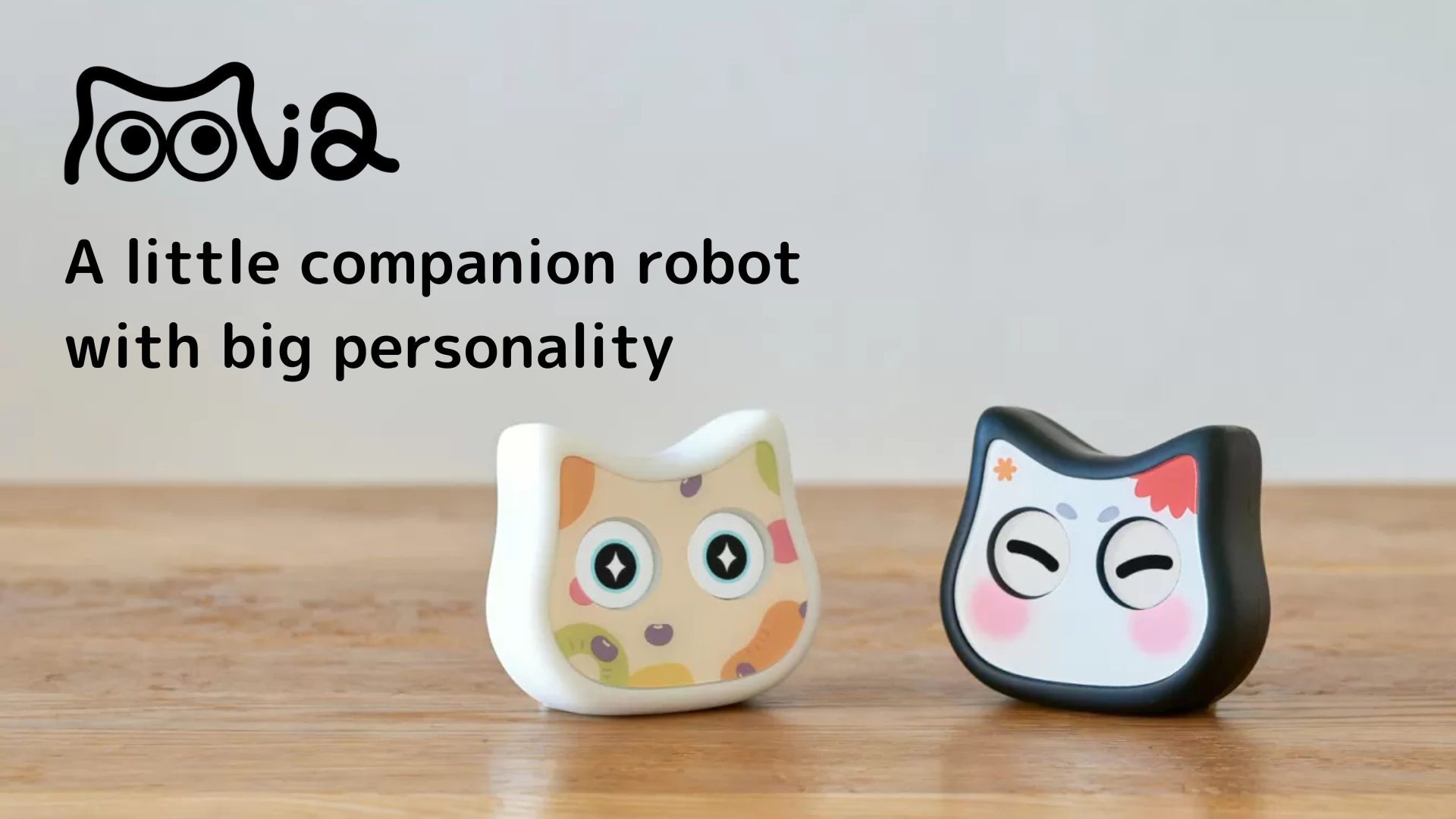

The Respect for the Aged Day gift guide also covers why reminders and daily prompts matter for older adults.
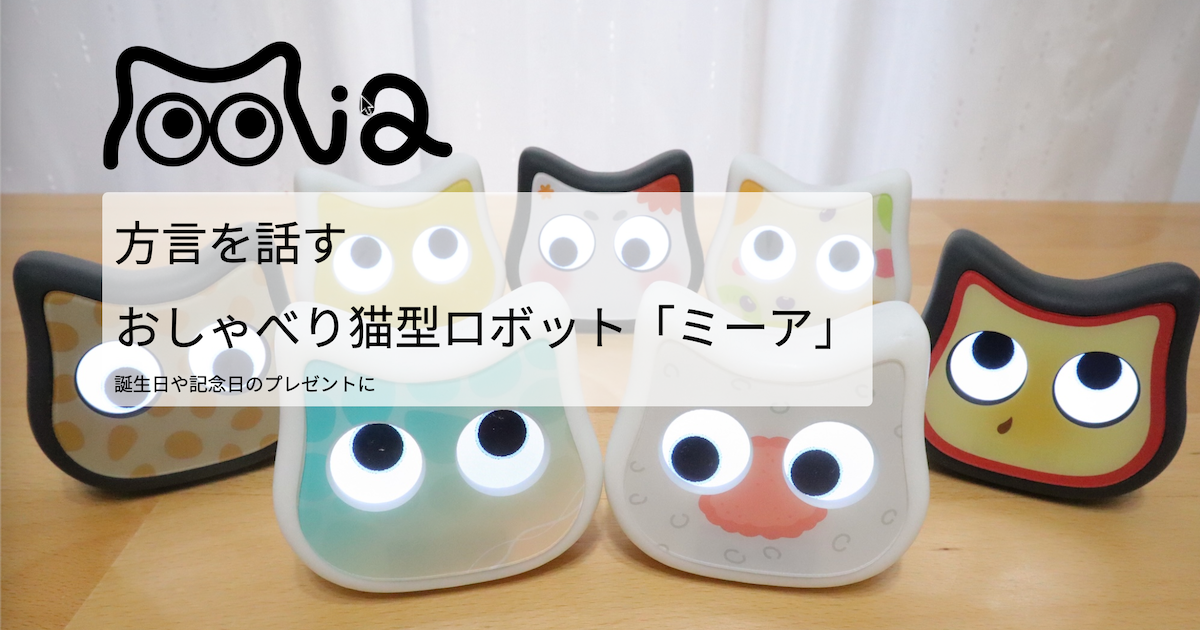
Things To Check Before Buying
It Depends on How You Use the App
The reminder feature only helps if events are actually added to Google Calendar. If one person sets it up and nobody maintains the calendar, the feature becomes less useful.
It Is Not a Medical Device
Mia can help with reminders and daily rhythm, but it is not a substitute for medical care or emergency support.
Wi-Fi and App Setup Matter
If the home network or app setup is unstable, reminders may not be as smooth as expected. Check the basic setup first.
Conclusion
A Google Calendar-connected robot is useful when the goal is not just to store plans, but to hear them spoken at the right time.
Mia’s schedule voice prompts are especially practical because they can support work meetings, hospital visits, family schedules, and everyday routines. The feature is simple, but in daily life that can be enough.
The main difference from a wake-up alarm device is clear: one helps with mornings, the other helps with the flow of the day.
For a fuller explanation of the feature, see What Can a Google Calendar-Connected Robot Do? Mia’s Schedule Voice Prompts Explained.
👀 You may also like:
👉 2026 Guide: AI Pet Robots for Elderly Loneliness – A Comparison of 10 Companion Robots
👉 2026 Edition: 9 Recommended Pet Robots Under $150 – Cheap, Cute, and Healing Models
👉 Monthly and Maintenance Costs of Pet Robots: Moflin, LOVOT, Mia, and More
👉 Mia – Your Chatty AI Cat Companion Robot with 100+ Expressions