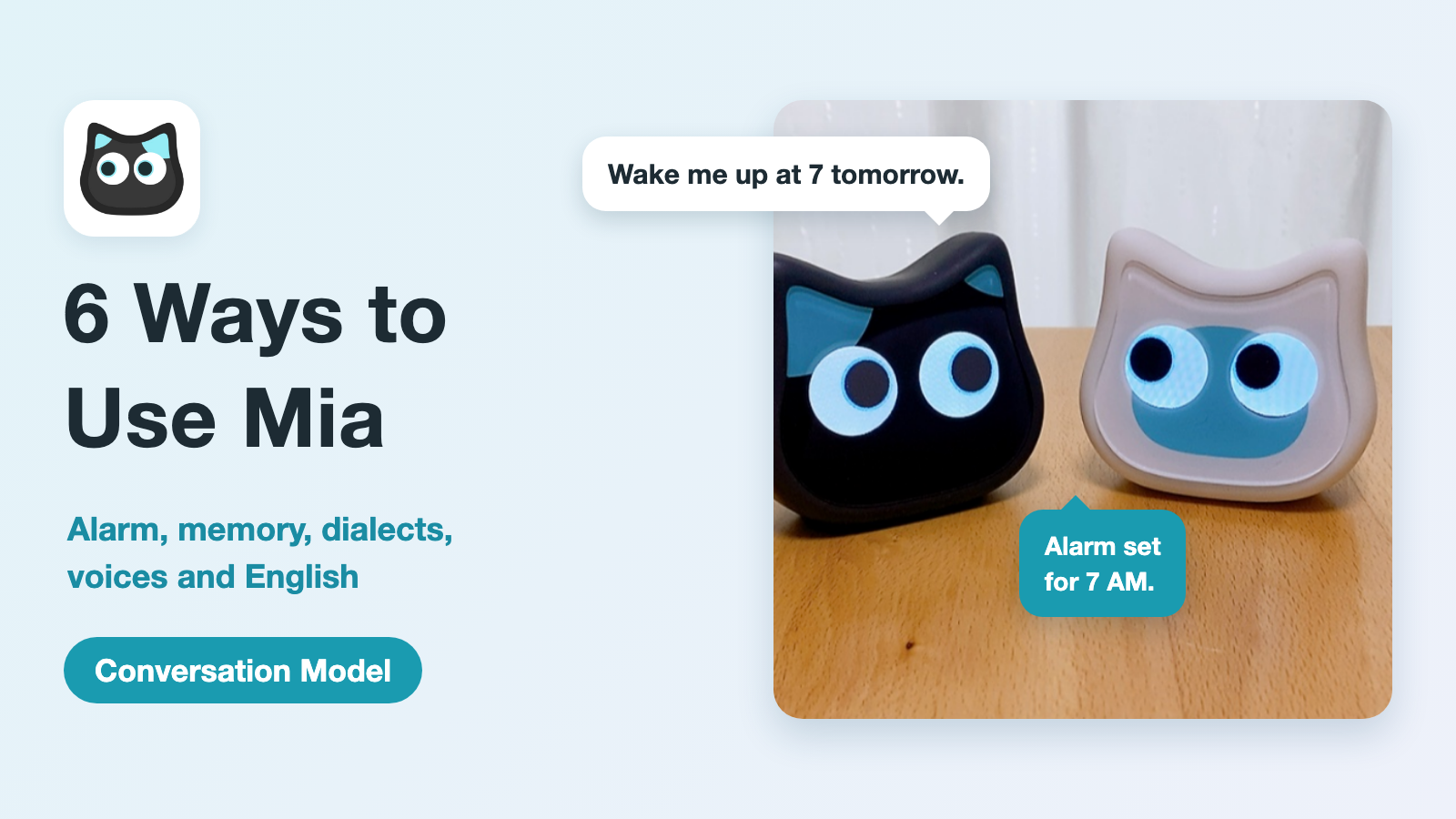
Mia's Conversation Model is a palm-sized AI cat robot. Tap her head and talk, and she thinks about what you said and answers on the spot.
But "a robot that talks" is hard to picture in daily life. In this article, we go through six everyday scenes where the Conversation Model shines, with videos shot on a real Mia.
- The short version
- 1. Morning: set an alarm by voice, stop it with a head touch
- 2. Evening: she remembers what you told her and asks "How did it go?"
- 3. Between chores: news and quick questions, key points only
- 4. In a familiar dialect: Osaka and Hakata replies, and a choice of tone
- 5. In a voice you like: 15 characters and adjustable speed
- 6. Talking to her in English
- Every scene ends with a family voice
- What the Conversation Model and the Standard Model can do
- FAQ
- Get the Mia Conversation Model
The short version
| Scene | What Mia does | Good for |
|---|---|---|
| Morning | Sets an alarm by voice; you stop it with a head touch | People living alone, anyone who wants to wake up without picking up a phone |
| Evening | Remembers what you told her and asks "How did it go?" next time | People who want someone to talk to, or want to give a companion to a parent far away |
| Between chores | Answers news and quick questions with just the key points | A short chat over morning coffee or between chores |
| In a familiar dialect | Replies in a Japanese dialect (Osaka or Hakata), polite or casual | People who enjoy Japanese dialects |
| In a voice you like | 15 characters for Japanese, 7 voices for English, and adjustable speed | People who want her to speak slowly, or want a voice they like |
| Talking in English | Answers in English when you speak English | Kids, or anyone who wants to try talking in English |
All six use the Conversation Model and the Premium plan (US$2 per month, up to 5 hours of talk per month). A comparison with the Standard Model is at the end.

1. Morning: set an alarm by voice, stop it with a head touch
Just say "Wake me at 7" or "Set an alarm in 30 minutes," and Mia sets the alarm. When the time comes she rings, and a touch on her head stops her. You never have to pick up your phone, from setting the alarm to switching it off.
In the video, Mia is asked to wake us in a minute, and the alarm is stopped with a head touch.
Alarms can repeat every day, on weekdays, on weekends or on days you choose. A request like "Tell me in 30 minutes" works as a timer too, for cooking or taking medicine.
A normal alarm clock is something you slap and forget. Mia is a cat you stop by touching her head, and that small gesture can become the start of a morning "good morning."
2. Evening: she remembers what you told her and asks "How did it go?"
The Conversation Model remembers things like family names, plans, favorite foods and what happened in your day, and brings them up in the next conversation.
Say you tell her, "My daughter is coming home on Saturday." A few days later, Mia asks on her own, "How was it when your daughter came home?" In the video, we ask "Do you remember my daughter's visit?" and she answers that she does, and that her daughter came home last Saturday.
The more you talk, the more she knows about you, and that is what makes her feel like "your" cat.
What she remembers can be checked, and deleted at any time, in the app. She does not remember things like health, money or addresses.
If you give Mia to a parent who lives far away, your parent does not need to do anything special. They just touch her head and talk the way they always do.
3. Between chores: news and quick questions, key points only
Ask "What's in the news today?" and Mia looks it up online and reads out a few headlines, one sentence each. If you want more, say "Tell me more" and she goes on.
A quick question like "How tall is Mount Fuji?" gets a one- or two-sentence answer. You do not need to reach for your phone.
You can't skim spoken words the way you skim text. A long answer is a burden to the listener, so Mia starts with just the key points.
If you ask for a story, she tells it all the way through. To stop in the middle, touch her head.

4. In a familiar dialect: Osaka and Hakata replies, and a choice of tone
Mia's Conversation Mode replies can be set to Osaka or Hakata dialect (a female and a male voice each). You can also choose the tone: a gentle, polite style or a casual, friendly one.
Here is Mia answering in each dialect. The videos are in Japanese.
Osaka dialect
Hakata dialect
A machine that speaks only standard Japanese cannot give you the closeness of a hometown voice. For a parent who left home long ago, being spoken to in the old familiar words can be reason enough to answer back.
Separately, Mia's greetings can be chosen from 47 Japanese regional dialects. Those work on the Standard Model too.
5. In a voice you like: 15 characters and adjustable speed
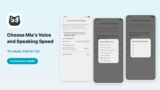
For conversation in Japanese, you can choose Mia's voice from 15 characters. You can preview each one before choosing, and set her speaking speed from 0.8x to 1.2x.
In the video, the same "I'm home" gets an answer from six different character voices. The wording and the reply change completely from voice to voice.
Voices: VOICEVOX:ずんだもん、VOICEVOX:四国めたん、VOICEVOX:雨晴はう、VOICEVOX:玄野武宏、VOICEVOX:白上虎太郎、VOICEVOX:WhiteCUL
If you want her to slow down, just lower the speed and she becomes easier to follow. Voice and speed can both be matched to your family's taste.
Mia also comes in white and black, and the color you set changes her personality in conversation. White is easygoing, and black is dependable.
6. Talking to her in English
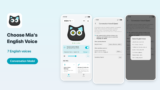
Speak English after speaking Japanese, and Mia answers in English. The Japanese and English voices are set separately, and she switches automatically to match the language you speak. For English you can choose from 7 voices.
It makes a nice little playmate when a child gets curious and says, "Let's try talking in English."
That said, Mia is not English study material. She does not score your pronunciation or track your progress. She is best used for casually speaking English and enjoying the reply, rather than for studying English itself.
Every scene ends with a family voice
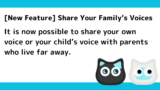
The six scenes above are all about the Conversation Model's "talk and she answers" side. Mia has another important role: delivering the voices of family who live far away.
When a voice recorded by family in the app arrives, an envelope icon appears on Mia. Your parent does not need to touch the app. A touch on her head plays the family voice. With the Conversation Model, a spoken reply to Mia can also reach the family's app.
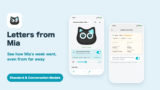
Every Sunday at 6 PM, Mia sends the family a weekly "letter" about how the week went: the days she was petted, how many times messages were heard, and how many conversations and how long they lasted. What was said in the conversations is never sent.
The morning alarm, the cat that remembers, the dialect replies: they are all done by the same cat that carries your family's voice. Mia's role is to leave a sense of family in everyday moments that are too small for a phone call.
What the Conversation Model and the Standard Model can do
| Feature | Conversation Model | Standard Model |
|---|---|---|
| Tap her head, talk, and the AI answers | Yes | No |
| Remembers what you told her and brings it up next time | Yes | No |
| Sets alarms and timers by voice | Yes | No |
| Answers news and quick questions | Yes | No |
| Replies in Osaka or Hakata dialect | Yes | No |
| 15 conversation voices and adjustable speed | Yes | No |
| Answers in English when you speak English | Yes | No |
| 47 Japanese regional dialect greetings and 100+ expressions | Yes | Yes |
| Family voice messages and the weekly letter | Yes | Yes |
| Weather updates and Google Calendar | Yes | Yes |
| Price | US$199 | US$149 |
| Monthly fee | Conversation Mode: Premium plan, US$2/month (up to 5 hours of talk per month) | None |
Conversation needs Wi-Fi (2.4 GHz) and the smartphone app. The Standard Model does not hold a conversation, but if you mainly want dialect greetings and daily family voices, it is more than enough with no monthly fee.
FAQ
Q. Does Mia start a conversation when I just call her name?
A. You start a conversation by touching her head. Calling her name alone does not start it.
Q. Can I talk as long as I like?
A. Conversation Mode is limited to 5 hours per month. It resets the following month.
Q. Does my parent need to do anything if I give Mia as a gift?
A. They only need to touch her head and talk. You can do all the setup in the app.
Q. Is Mia like a smart speaker that answers anything?
A. No. Mia cares more about being a cat you want to talk to than about doing more things. Use her as an everyday companion.
Q. Can I switch from the Standard Model to the Conversation Model?
A. The Conversation Model is a different unit. If you want conversation, you will need the Conversation Model itself.
Get the Mia Conversation Model
The Conversation Model is available on the official store. It includes everything the Standard Model does.


Conversation Mode needs the Premium plan, US$2 per month (up to 5 hours of talk per month). Please check the store for current details.
👀 Related articles



👀 You may also like:
👉 2026 Guide: AI Pet Robots for Elderly Loneliness – A Comparison of 10 Companion Robots
👉 2026 Edition: 9 Recommended Pet Robots Under $150 – Cheap, Cute, and Healing Models
👉 Monthly and Maintenance Costs of Pet Robots: Moflin, LOVOT, Mia, and More
👉 Mia – Your Chatty AI Cat Companion Robot with 100+ Expressions